Governance · Power Platform
Microsoft changed the Power Platform governance playbook. Has your tenant caught up?
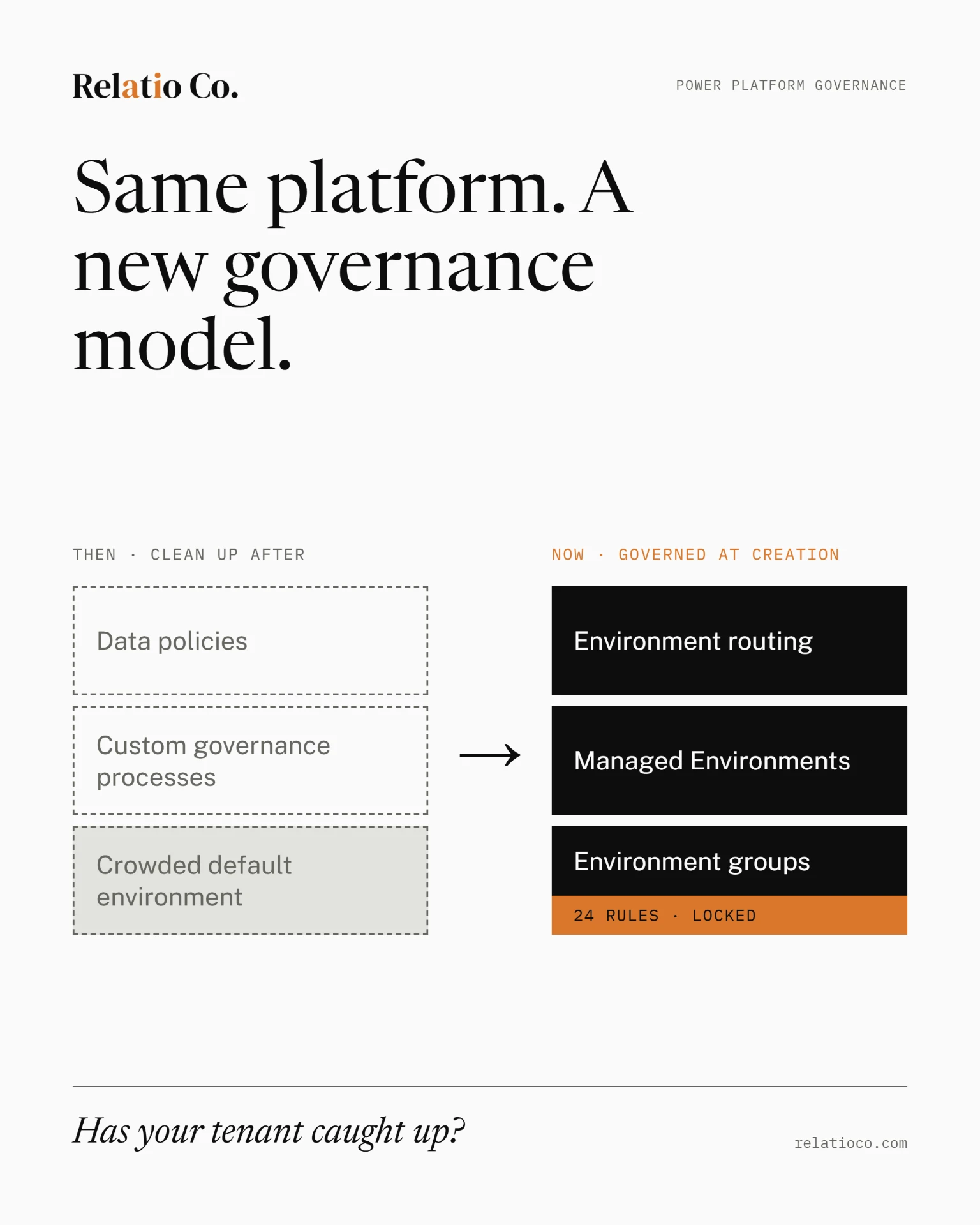
Microsoft's governance tools haven't changed much. How it says to use them has. The environment is now the governance boundary, rules are enforced centrally, and makers are routed away from the default environment from the start.
Key takeaways
- Microsoft's April 2026 Power Platform Administration & Governance whitepaper puts Managed Environments, environment routing and environment groups at the center of the governance model.
- Environment groups now enforce rules across every environment in the group. Local administrators can't override them. A governance zone is no longer something you describe in a deck; the platform enforces it.
- The Power Platform admin center has taken over the core jobs of the CoE Starter Kit, which Microsoft no longer actively maintains.
- Governance now covers agents: identity through Microsoft Entra Agent ID, connector control through advanced connector policies, and inventory across the tenant.
- Our recommendation: govern by what something can do, not by how many people use it.
Zones can now be enforced
- Zone 1: Personal productivity. Makers work in personal developer environments created through routing. Sharing and connector access are tightly controlled.
- Zone 2: Team development. Trained makers build for teams or departments, with IT oversight, stronger controls and a defined route into managed deployment.
- Zone 3: Enterprise development. Business-critical solutions, built and run with the strongest security, application lifecycle and compliance controls.
The names matter less than the principle. A zone used to be something you described in a deck. Now it's something the platform enforces.
The admin center replaces the CoE Starter Kit
Governance now covers agents
- Identity. New Copilot Studio agents automatically receive a Microsoft Entra Agent ID, so agents fall under normal identity governance rather than sitting outside it. Existing agents on app registrations keep working; Microsoft says they will be migrated later.
- Connectors. Advanced connector policies replace the Business, Non-Business and Blocked classification with an allowlist. Administrators can control certified connectors action by action, and block entire MCP servers.
- The gap. Custom and HTTP connectors aren't yet covered by advanced connector policies, so classic data policies still have a role during the transition.
Where agents belong
Govern by what something can do, not by how many people use it.
Three things to do now
1. Turn on environment routing
2. Name who approves a move between zones
3. Decide who acts on what governance finds
- When an owner leaves, who takes on the orphaned agent?
- When an app uses a connector that no longer fits policy, who contacts the maker?
- When an agent moves from personal productivity into a business process, who decides its governance has to change?
The platform enforces. You decide.
Sources
- 1Microsoft, April 2026. Power Platform Administration & Governance whitepaper. Used for: the environment-as-boundary governance model and the centrality of Managed Environments, environment routing and environment groups.
learn.microsoft.com/power-platform/admin/governance-whitepaper
- 2Microsoft Learn. Environment groups. Used for: group-level rule enforcement, local administrator override behavior, and the 24 documented environment group rules.
learn.microsoft.com/power-platform/admin/environment-groups
- 3Microsoft Learn, January 2026. Implement a zoned governance strategy. Used for: the three-zone model (personal productivity, team development, enterprise development).
learn.microsoft.com/power-platform/guidance/adoption/zoned-governance
- 4Microsoft Learn, May 2026. Develop a tenant environment strategy. Used for: environment routing and the move away from the shared default environment.
learn.microsoft.com/power-platform/guidance/adoption/environment-strategy
- 5Microsoft Learn. CoE Starter Kit transition. Used for: Microsoft no longer actively maintaining the CoE Starter Kit, and its core jobs moving into the Power Platform admin center.
learn.microsoft.com/power-platform/guidance/coe/starter-kit-transition
- 6Microsoft Learn, 2026 release wave 1. Move apps out of the default environment. Used for: the move feature's scope, preview status and its caveats (shared connectors, resharing, user assignment).
learn.microsoft.com/power-platform/admin/move-apps-default-environment
- 7Microsoft Security Blog, May 1, 2026. Microsoft Agent 365, now generally available. Used for: agent identity governance context.
microsoft.com/security/blog
- 8Microsoft Learn. Manage Entra Agent IDs. Used for: automatic Entra Agent ID assignment for new Copilot Studio agents and the planned migration of existing agents.
learn.microsoft.com/entra/agent-id
- 9Power Platform Blog, June 2026. What's new in Power Platform: June 2026. Used for: connector inventory (preview) and agent inventory across the tenant.
powerplatform.microsoft.com/blog
- 10Microsoft Learn, 2026 release wave 1. Automate governance with Agentic Center of Enablement. Used for: advanced connector policies, action-level control, MCP server blocking, and the custom/HTTP connector gap.
learn.microsoft.com/power-platform/admin/agentic-coe